
Creator Campaign Budget Calculator
Model estimated impressions, clicks and conversions from budget, CPM, CTR and profile conversion assumptions.

A campaign budget becomes easier to reason about when you translate spend into traffic assumptions. This calculator uses budget, CPM, CTR and profile conversion rate to model one possible campaign scenario.
Creator Advertising Budget Calculator
Estimate possible impressions, clicks and target actions for a CPM-priced campaign. Change the inputs to compare scenarios.
Your advertising scenario
The results below are calculations based on your assumptions, not verified campaign results.
Compare three budget options
The example uses half, the entered and twice the budget. CPM, click rate and conversion assumptions stay the same.
CPM pricing is an assumption. Flat-price boosts and placements must be evaluated using their real package terms; clicks are not necessarily unique visitors.
Understand each input
CPM estimates the cost of one thousand impressions. CTR estimates the percentage of impressions that become clicks. Profile conversion estimates the percentage of clicks that become the action you are measuring.
Use ranges instead of one perfect forecast
Run conservative, expected and optimistic scenarios. This exposes which assumption has the biggest effect on the outcome and helps avoid treating a single estimate as guaranteed performance.
Replace assumptions with real data
After a campaign, replace the estimated CPM, CTR and conversion rate with actual values. Over time, your own campaign history becomes a more useful planning reference.
Use this calculator as a decision model, not a prediction
The campaign budget calculator translates spend into a simplified media funnel using CPM, CTR and profile-conversion assumptions. The result is only as useful as the assumptions you enter. Buzz Crafter calculators are designed to make those assumptions visible so you can test scenarios, replace estimates with measured data and understand which variable changes the outcome.
Understand the budget model before using the output
| Input | Meaning | Why it matters |
|---|---|---|
| Campaign Budget | Total amount available for the modeled campaign. | Sets the maximum spend in the scenario. |
| CPM | Cost per 1,000 impressions. | Determines how much modeled reach the budget can purchase. |
| CTR | Percentage of impressions expected to generate clicks. | Connects reach with traffic. |
| Profile Conversion | Percentage of clicks assumed to produce the target action. | Connects traffic with an outcome. |
The calculation chain
- Impressions = budget ÷ CPM × 1,000.
- Clicks = impressions × CTR.
- Conversions = clicks × profile conversion rate.
- Cost per click = budget ÷ estimated clicks.
The model is useful because it exposes where the budget is being translated into assumptions. A campaign can look attractive at the impression stage while becoming unattractive once realistic click or profile-conversion rates are applied.
Build a planning range
Instead of choosing a single CPM and CTR, build at least three scenarios. For example, hold budget constant and change only CPM first. Then reset CPM and change CTR. This shows whether your plan is more sensitive to media cost or creative performance.
When CPM is the problem
If the model produces insufficient reach because CPM is high, the question becomes inventory and audience efficiency. A cheaper placement is not automatically better; lower-cost impressions can still be poor value if they are irrelevant. Compare both cost and downstream traffic quality.
When CTR is the problem
A weak CTR can point to creative, offer, placement or audience mismatch. Before increasing budget, review whether the image, message and call to action accurately match the profile people will see after the click.
When conversion is the problem
If clicks are available but the conversion assumption must be unrealistically high for the budget to make sense, focus on profile positioning, pricing context, trust and content expectations. Use the Creator Profile Optimization Guide before scaling traffic.
Budget planning for agencies
Agencies should model campaigns at creator level before aggregating a portfolio budget. Different creators can have different audience fit, pricing, historical CTR and profile conversion. One portfolio-wide assumption can hide significant differences between profiles.
What the calculator does not include
- Frequency caps or repeated exposure.
- Differences between unique visitors and recorded clicks.
- Attribution across multiple traffic sources.
- Subscriber retention, upsells or lifetime value.
- Creative fatigue or campaign pacing.
Related resources
- Creator advertising and paid promotion
- Traffic quality case study
- Clicks vs. direct visitors
- Promotion ROI Calculator
- Creator Agency Marketing Hub
OnlyFans and Fansly advertising: how far could a test budget go?
This interactive example applies to CPM-priced creator advertising. Enter a budget and assumptions for impressions, clicks and chosen target actions. It also helps plan traffic to Fanvue, 4Based, F2F, FansyMe or MYM where that model is relevant. No campaign availability or conversion rate is guaranteed.
Worked example: $250 in advertising
At a hypothetical $8 CPM, a $250 budget buys 31,250 modeled ad impressions. With 0.5% CTR, that becomes 156.25 expected clicks; with 3% of clicks becoming the chosen action, it becomes 4.69 modeled actions. The cost per click is $1.60 and the cost per target action is about $53.33. Decimal results are expected values, not fractional people.
Three scenarios for your campaign
Use the comparison in the calculator to compare half, the original and twice your budget while keeping the same CPM and conversion assumptions. This tests scale, not uncertainty. To test uncertainty, also adjust CPM, CTR and target action rate separately with conservative and optimistic assumptions.
When should you use the ROI calculator?
This budget tool estimates potential traffic and cost. If you also know your subscription price, fees and how many months customers pay, use the Creator Promotion ROI Calculator to test modeled revenue and break-even subscribers.
Frequently asked questions
Does this work for a flat-rate placement or boost?
Not directly. A fixed-price placement is not automatically billed by CPM. Use measured impression data to derive an effective CPM when available.
Are clicks and unique visitors the same?
No. One person may click multiple times; browsers and tracking systems can also report different totals.
What counts as a conversion?
Define it first: a registration, a follow or a paying subscription. Do not treat these as interchangeable.
Explore related creator resources
Browse resources →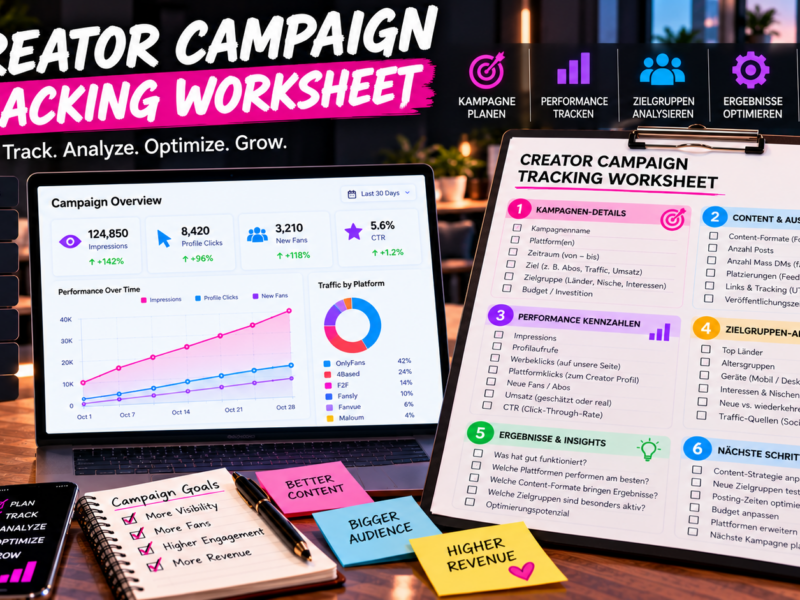
Creator Campaign Tracking Worksheet
A reusable worksheet for recording campaign inputs, measured outputs, calculated rates, attribution notes and next-test decisions.
Read more →
Creator Content Distribution Checklist
A channel-by-channel workflow for adapting one creator content idea across search, social, communities, discovery sites and paid placements.
Read more →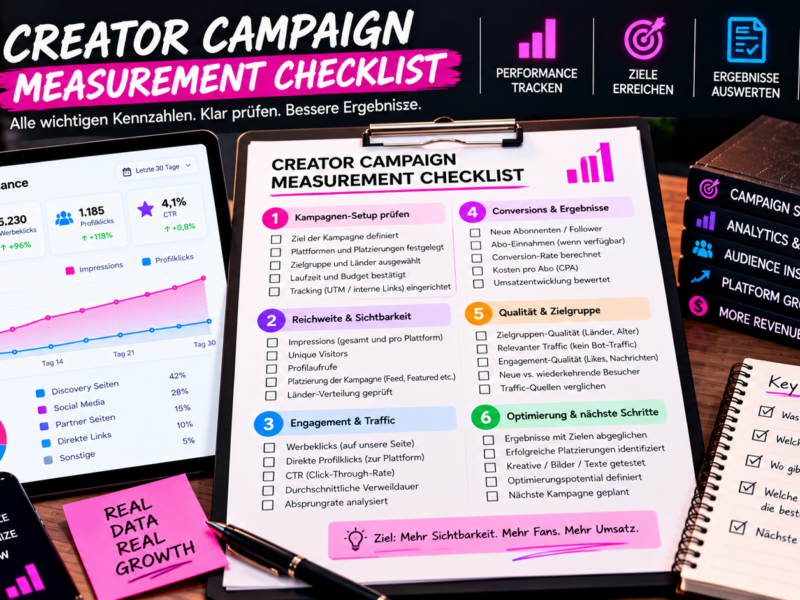
Creator Campaign Measurement Checklist
A reporting framework that separates delivery, traffic, destination outcomes, calculated metrics and attribution limits.
Read more →